Specify that the HiGHS software should be used to solve a conservation planning problem (Huangfu and Hall 2018). This function can also be used to customize the behavior of the solver. It requires the highs package to be installed.
Usage
add_highs_solver(
  x,
  gap = 0.1,
  time_limit = .Machine$integer.max,
  presolve = TRUE,
  threads = 1,
  start_solution = NULL,
  verbose = TRUE,
  control = list()
)
Arguments
- x
problem()ormulti_problem()object.- gap
numericvalue denoting the optimality gap. This gap is relative and expresses the acceptable deviance from optimality. For example, a value of 0.01 will result in the solver stopping when it has found a solution within 1% of optimality. Additionally, a value of 0 will result in the solver stopping when it has found an optimal solution. The default value is 0.1 (i.e., 10% from optimality).- time_limit
numericvalue denoting the time limit (seconds) for generating solutions. The solver will return the current best solution when this time limit is exceeded. The default value is the largest integer value (i.e.,.Machine$integer.max), effectively meaning that solver will keep running until a solution within the optimality gap is found.- presolve
logicalvalue indicating if the optimization problem should be simplified before solving it? Defaults toTRUE.- threads
integervalue denoting the number of threads to use during optimization. Broadly speaking, we recommend settingthreadsto be no higher than the number of computational cores minus one or two (e.g.,threads = parallel::detectCores(TRUE) - 2). This is because settingthreadsto be equal to the number of computational cores means that the solver and is fighting for resources with other software (e.g., Dropbox, iCloud, OneDrive, software updates, antivirus software, internet browsers) and, in turn, can result in computational bottlenecks that slow run times. Additionally, when settingthreadsto be a value greater than 1, we recommend checking memory (RAM) usage during the optimization process to ensure that the solver does not use up the majority of available memory. This is because solving optimization problems with multiple threads can involve creating multiple copies of the problem (e.g.,threads = 5may mean 5 copies) and exhausting most of the available memory will drastically slow run times. Defaults to 1.- start_solution
NULLor object containing the starting solution for the solver. This is can be useful because specifying a starting solution can speed up the optimization process. To specify a starting solution,start_solutionshould be in the same format as the planning units (i.e., anumeric,matrix,data.frame,terra::rast(), orsf::sf()object). See the Start solution format section for more information. Defaults toNULLsuch that no starting solution is used.- verbose
logicalvalue indicating if information should be displayed during the optimization process. Defaults toTRUE.- control
listwith additional parameters for tuning the optimization process. For example,control = list(simplex_strategy = 1)could be used to set thesimplex_strategyparameter. See the online documentation for information on the parameters.
Value
An updated problem() or multi_problem() object with the solver added to
it.
Details
HiGHS is an open source optimization software.
Although this solver can have comparable performance to the CBC solver
(i.e., add_cbc_solver()) for particular problems and is generally faster
than the SYMPHONY based solvers (i.e., add_rsymphony_solver(),
add_lpsymphony_solver()), it can sometimes take much longer than the
CBC solver for particular problems. This solver is recommended if
the add_gurobi_solver(), add_cplex_solver(), add_cbc_solver() cannot
be used.
References
Huangfu Q and Hall JAJ (2018). Parallelizing the dual revised simplex method. Mathematical Programming Computation, 10: 119-142.
See also
Other functions for adding solvers:
add_cbc_solver(),
add_cplex_solver(),
add_default_solver(),
add_gurobi_solver(),
add_lsymphony_solver,
add_rsymphony_solver()
Examples
# load data
sim_pu_raster <- get_sim_pu_raster()
sim_features <- get_sim_features()

# create problem
p <-
  problem(sim_pu_raster, sim_features) %>%
  add_min_set_objective() %>%
  add_relative_targets(0.1) %>%
  add_binary_decisions() %>%
  add_highs_solver(gap = 0, verbose = FALSE)

# generate solution
s <- solve(p)

# plot solution
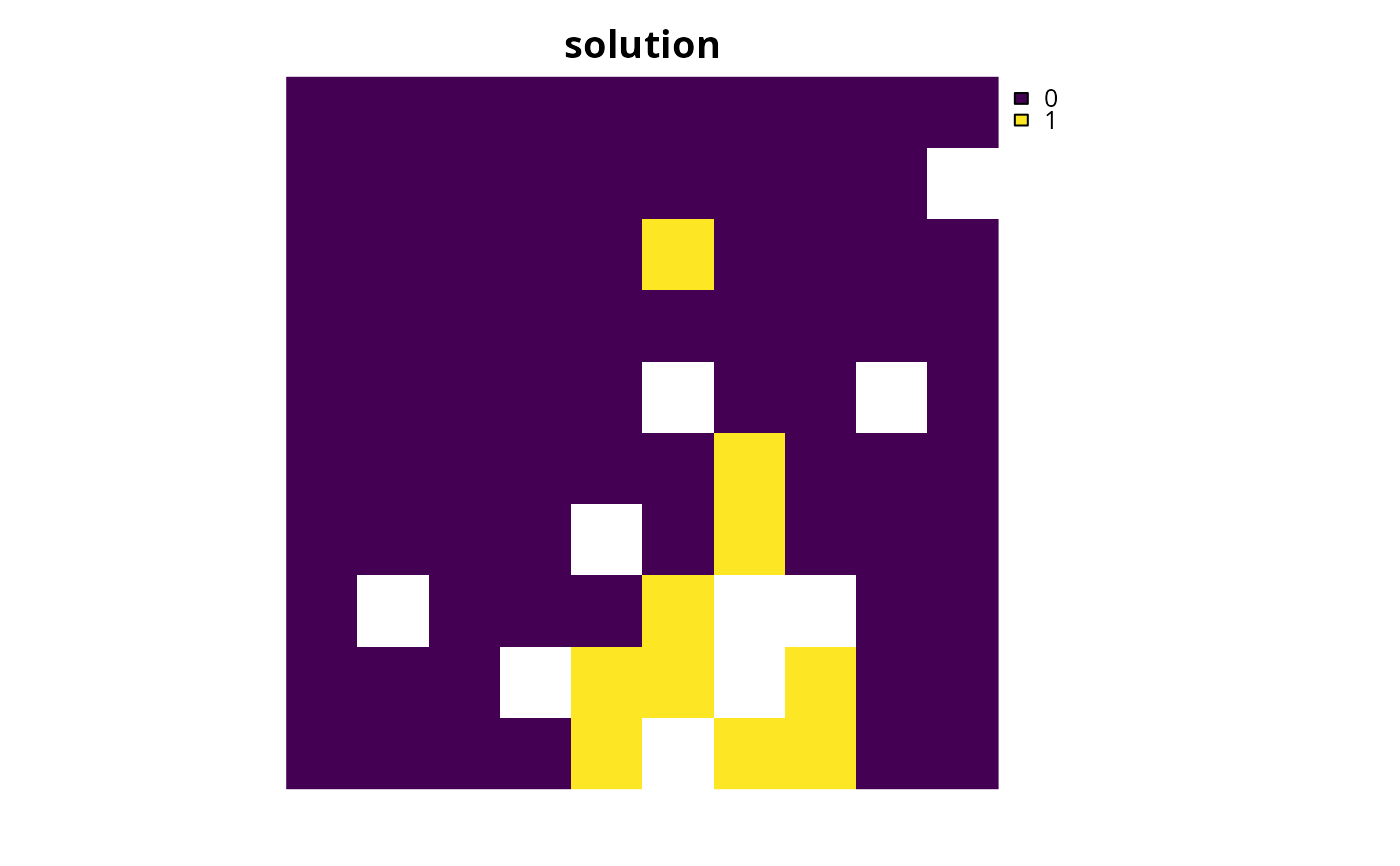
plot(s, main = "solution", axes = FALSE)