Specify that the Gurobi software should be used to solve a conservation planning problem (Gurobi Optimization LLC 2021). This function can also be used to customize the behavior of the solver. It requires the gurobi package to be installed (see below for installation instructions).
Usage
add_gurobi_solver(
  x,
  gap = 0.1,
  time_limit = .Machine$integer.max,
  presolve = 2,
  threads = 1,
  first_feasible = FALSE,
  numeric_focus = FALSE,
  node_file_start = Inf,
  start_solution = NULL,
  verbose = TRUE,
  control = list()
)
Arguments
- x
problem()ormulti_problem()object.- gap
numericvalue denoting the optimality gap. This gap is relative and expresses the acceptable deviance from optimality. For example, a value of 0.01 will result in the solver stopping when it has found a solution within 1% of optimality. Additionally, a value of 0 will result in the solver stopping when it has found an optimal solution. The default value is 0.1 (i.e., 10% from optimality).- time_limit
numericvalue denoting the time limit (seconds) for generating solutions. The solver will return the current best solution when this time limit is exceeded. The default value is the largest integer value (i.e.,.Machine$integer.max), effectively meaning that solver will keep running until a solution within the optimality gap is found.- presolve
integervalue indicating how intensively the solver should try to simplify the problem before solving it. Available options are: (-1) automatically determine the intensity of pre-solving, (0) disable pre-solving, (1) conservative level of pre-solving, and (2) very aggressive level of pre-solving . Defaults to 2.- threads
integervalue denoting the number of threads to use during optimization. Broadly speaking, we recommend settingthreadsto be no higher than the number of computational cores minus one or two (e.g.,threads = parallel::detectCores(TRUE) - 2). This is because settingthreadsto be equal to the number of computational cores means that the solver and is fighting for resources with other software (e.g., Dropbox, iCloud, OneDrive, software updates, antivirus software, internet browsers) and, in turn, can result in computational bottlenecks that slow run times. Additionally, when settingthreadsto be a value greater than 1, we recommend checking memory (RAM) usage during the optimization process to ensure that the solver does not use up the majority of available memory. This is because solving optimization problems with multiple threads can involve creating multiple copies of the problem (e.g.,threads = 5may mean 5 copies) and exhausting most of the available memory will drastically slow run times. Defaults to 1.- first_feasible
logicalvalue indicating if the first feasible solution should be returned? Iffirst_feasible = TRUE, then the solver will return the first solution it encounters that meets all the constraints, regardless of solution quality. Note that the first feasible solution is not an arbitrary solution, rather it is derived from the relaxed problem, and is therefore often reasonably close to optimality. Defaults toFALSE.- numeric_focus
logicalvalue indicating if extra attention be paid to verifying the accuracy of numerical calculations? This may be useful when dealing with problems that may suffer from numerical instability issues. Beware that it will likely substantially increase run time (sets the GurobiNumericFocusparameter to 2). Defaults toFALSE.- node_file_start
numericvalue denoting a threshold amount of memory (in GB). Once the amount of memory (RAM) used to store information for solving the optimization problem exceeds this parameter value, the solver will begin storing this information on disk (using the GurobiNodeFileStartparameter). This functionality is useful if the system has insufficient memory to solve a given problem (e.g., solving the problem with default settings yields theOUT OF MEMORYerror message) and a system with more memory is not readily available. For example, a value of 4 indicates that the solver will start using the disk after it uses more than 4 GB of memory to store information on solving the problem. Defaults toInfsuch that the solver will not attempt to store information on disk when solving a given problem.- start_solution
NULLor object containing the starting solution for the solver. This is can be useful because specifying a starting solution can speed up the optimization process. To specify a starting solution,start_solutionshould be in the same format as the planning units (i.e., anumeric,matrix,data.frame,terra::rast(), orsf::sf()object). See the Start solution format section for more information. Defaults toNULLsuch that no starting solution is used.- verbose
logicalvalue indicating if information should be displayed during the optimization process. Defaults toTRUE.- control
listwith additional parameters for tuning the optimization process. For example,control = list(Method = 2)could be used to set theMethodparameter. See the online documentation for information on the parameters.
Value
An updated problem() or multi_problem() object with the solver added to
it.
Details
Gurobi is a state-of-the-art commercial optimization software with an R package interface. Although it is by far the fastest of the solvers available for generating prioritizations, it is not open source. That said, licenses are available to academics at no cost. Additionally, non-profit organizations can apply for a free license through the Gurobi Gives Back programme. gurobi package is distributed with the Gurobi software suite. This solver uses the gurobi package to solve problems. For information on the performance of different solvers, please see Schuster et al. (2020) for benchmarks comparing the run time and solution quality of different solvers when applied to different sized datasets.
Installation
Please see the Gurobi Installation Guide vignette for details on installing the Gurobi software and the gurobi package. You can access this vignette online or using the following code:
Start solution format
Broadly speaking, start_solution must be in the same
format as the planning unit data in x.
Further details on the correct format are described below.
xhasnumericplanning unitsHere
start_solutionmust be anumericvector with each element corresponding to a different planning unit. It should have the same number of planning units as those inx. Additionally, any planning units with missing cost (NA) values should also have missing (NA) values in thestart_solution.xhasmatrixplanning unitsHere
start_solutionmust be amatrixvector with each row corresponding to a different planning unit, and each column correspond to a different management zone. It should have the same number of planning units and zones as those inx. Additionally, any planning units with missing cost (NA) values for a particular zone should also have a missing (NA) values instart_solution.xhasterra::rast()planning unitsHere
start_solutionbe aterra::rast()object where different cells correspond to different planning units and layers correspond to a different management zones. It should have the same dimensionality (rows, columns, layers), resolution, extent, and coordinate reference system as the planning units inx. Additionally, any planning units with missing cost (NA) values for a particular zone should also have missing (NA) values instart_solution.xhasdata.frameplanning unitsHere
start_solutionmust be adata.framewith each column corresponding to a different zone, each row corresponding to a different planning unit, and cell values corresponding to the solution value. This means that if adata.frameobject containing the solution also contains additional columns, then these columns will need to be subsetted prior to using this function (see below for example withsf::sf()data). Additionally, any planning units with missing cost (NA) values for a particular zone should also have missing (NA) values instart_solution.xhassf::sf()planning unitsHere
start_solutionmust be asf::sf()object with each column corresponding to a different zone, each row corresponding to a different planning unit, and cell values corresponding to the solution value. This means that if thesf::sf()object containing the solution also contains additional columns, then these columns will need to be subsetted prior to using this function (see below for example). Additionally,start_solutionmust also have the same coordinate reference system as the planning unit data. Furthermore, any planning units with missing cost (NA) values for a particular zone should also have missing (NA) values instart_solution.
References
Gurobi Optimization LLC (2021) Gurobi Optimizer Reference Manual. https://www.gurobi.com.
Schuster R, Hanson JO, Strimas-Mackey M, and Bennett JR (2020). Exact integer linear programming solvers outperform simulated annealing for solving conservation planning problems. PeerJ, 8: e9258.
See also
See solvers for an overview of all functions for adding a solver.
Other functions for adding solvers:
add_cbc_solver(),
add_cplex_solver(),
add_default_solver(),
add_highs_solver(),
add_lsymphony_solver,
add_rsymphony_solver(),
add_scip_solver()
Examples
# load data
sim_pu_raster <- get_sim_pu_raster()
sim_features <- get_sim_features()
# create problem
p1 <-
problem(sim_pu_raster, sim_features) %>%
add_min_set_objective() %>%
add_relative_targets(0.1) %>%
add_binary_decisions() %>%
add_gurobi_solver(gap = 0, verbose = FALSE)
# generate solution
s1 <- solve(p1)
# plot solution
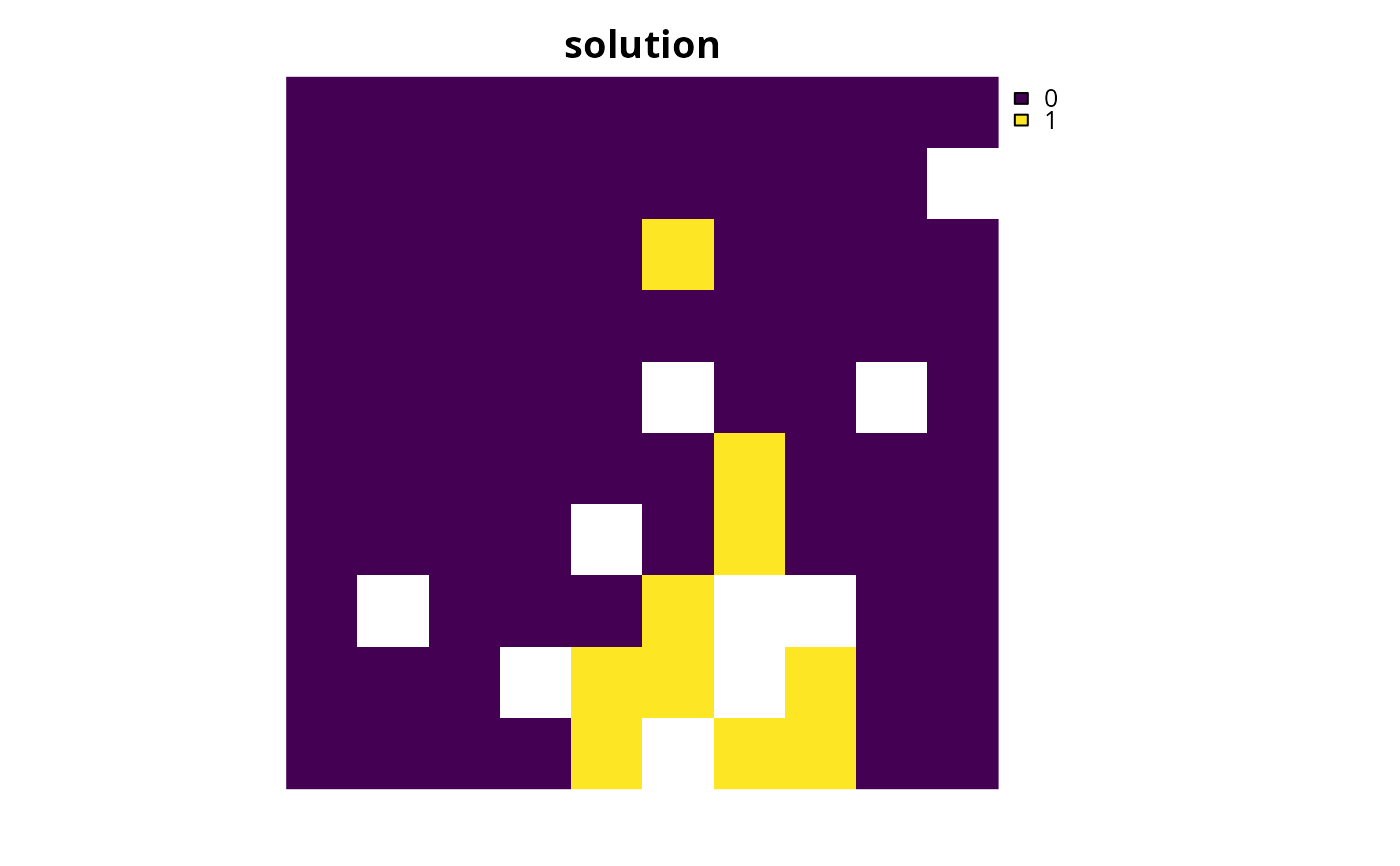
plot(s1, main = "solution", axes = FALSE)
 # create a similar problem with boundary length penalties and
# specify the solution from the previous run as a starting solution
p2 <-
problem(sim_pu_raster, sim_features) %>%
add_min_set_objective() %>%
add_relative_targets(0.1) %>%
add_boundary_penalties(10) %>%
add_binary_decisions() %>%
add_gurobi_solver(gap = 0, start_solution = s1, verbose = FALSE)
# generate solution
s2 <- solve(p2)
# plot solution
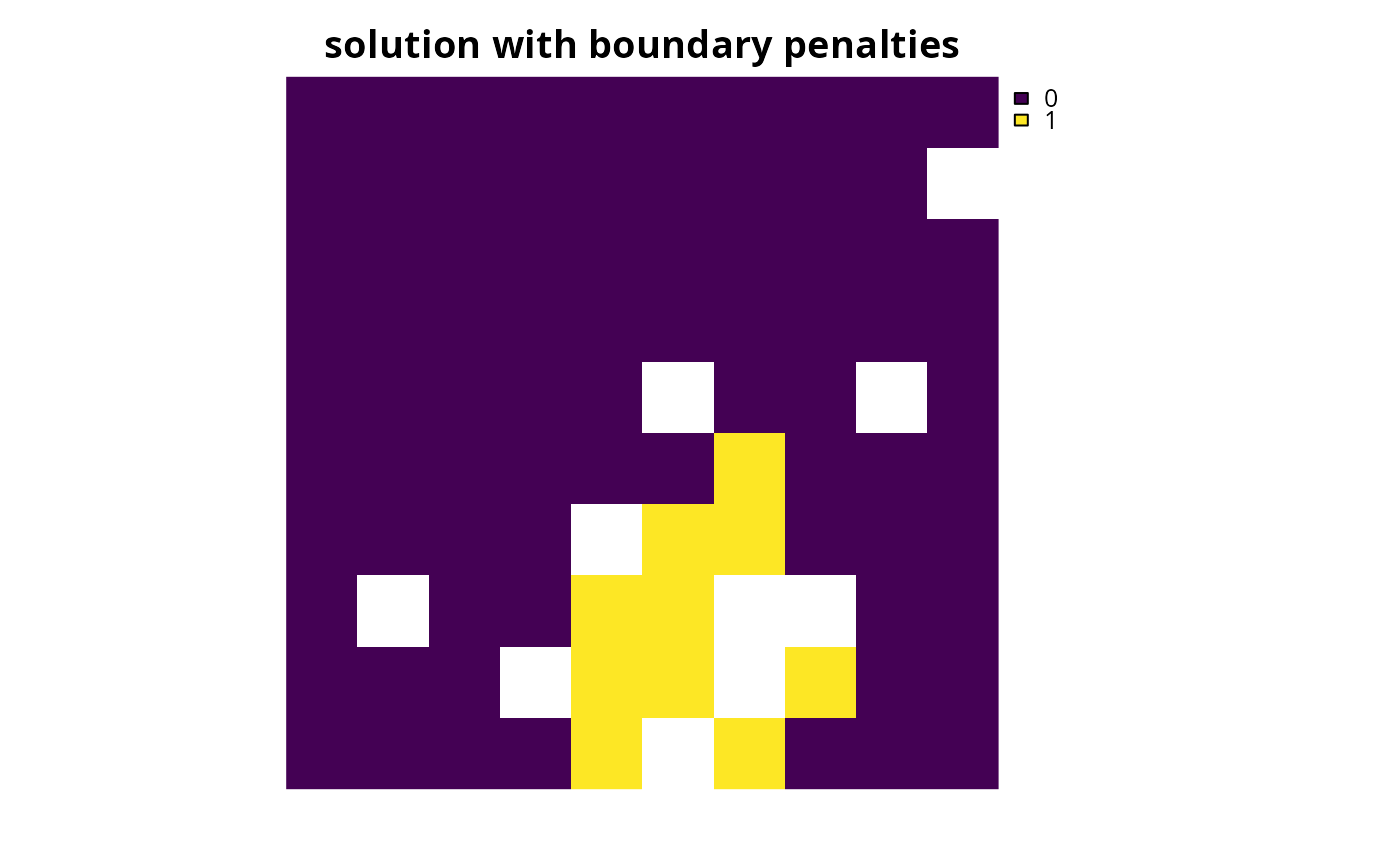
plot(s2, main = "solution with boundary penalties", axes = FALSE)
# create a similar problem with boundary length penalties and
# specify the solution from the previous run as a starting solution
p2 <-
problem(sim_pu_raster, sim_features) %>%
add_min_set_objective() %>%
add_relative_targets(0.1) %>%
add_boundary_penalties(10) %>%
add_binary_decisions() %>%
add_gurobi_solver(gap = 0, start_solution = s1, verbose = FALSE)
# generate solution
s2 <- solve(p2)
# plot solution
plot(s2, main = "solution with boundary penalties", axes = FALSE)